Cryptographic Hash Generator
A browser-based cryptographic hash generator supporting multiple hashing algorithms for text and file integrity verification.
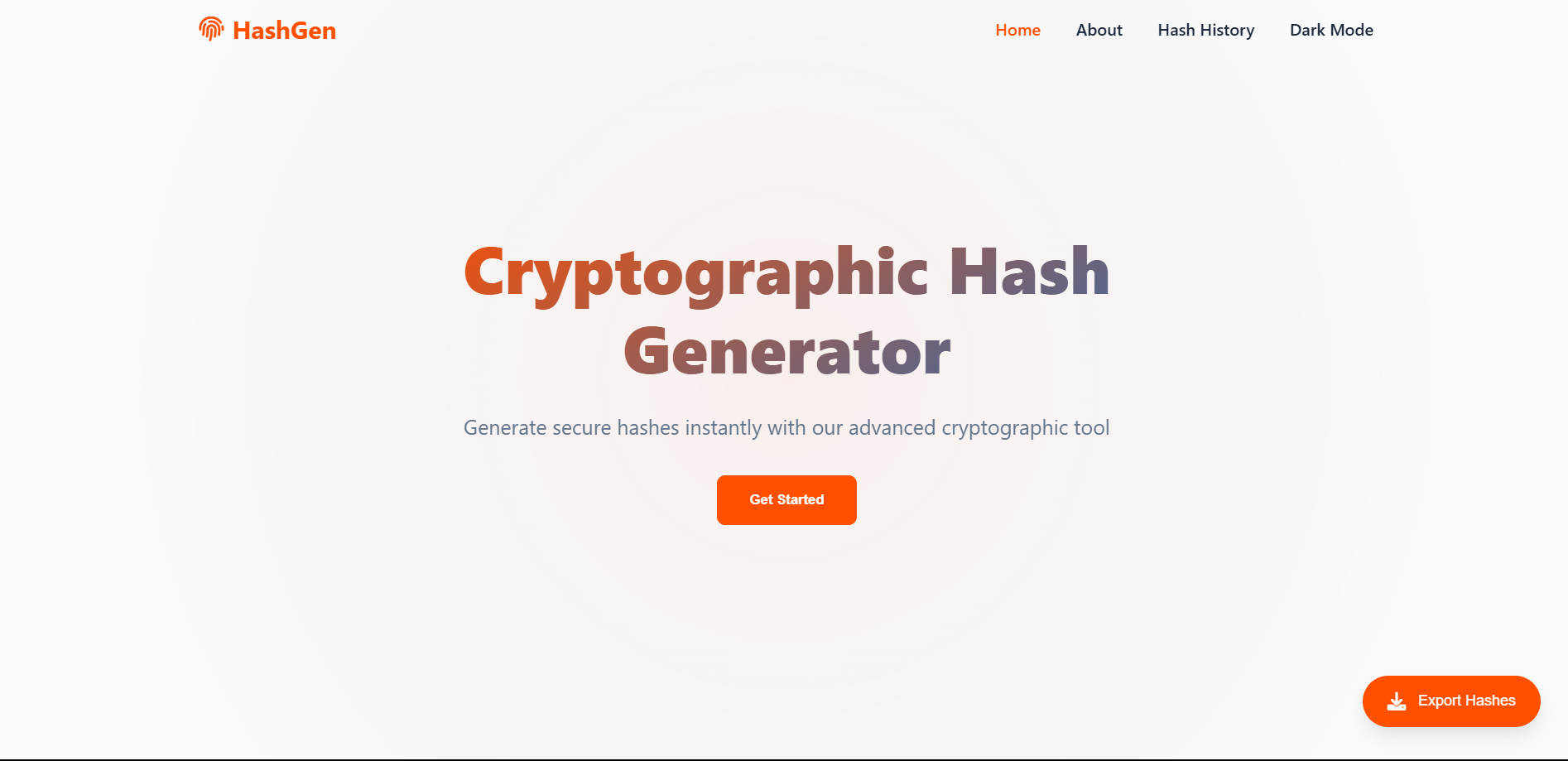
Project Overview
The Cryptographic Hash Generator is a modern browser-based cybersecurity utility developed to generate cryptographic hashes for both text inputs and uploaded files. Designed with security, performance, and usability in mind, the application enables users to verify data integrity using industry-recognized hashing algorithms, including MD5, SHA-1, SHA-2, SHA-3, and BLAKE2.
Built with HTML5, CSS3, JavaScript, and CryptoJS, the tool features a clean and responsive interface, drag-and-drop file support, real-time hash comparison, local history management, and dark/light theme functionality. All hashing operations are performed entirely on the client side, ensuring that sensitive data never leaves the user’s device and eliminating the need for backend processing.
This project demonstrates practical knowledge of cryptographic principles, browser APIs, frontend development, and secure application design while providing a valuable tool for file integrity verification, security testing, and cybersecurity education.
⚡ Built with accessibility, performance, and cybersecurity awareness in mind.
Features
Multiple Hash Algorithms
Supports a wide range of cryptographic hash functions:
MD5,SHA-1,SHA-224,SHA-256,SHA-512
File Integrity Verification
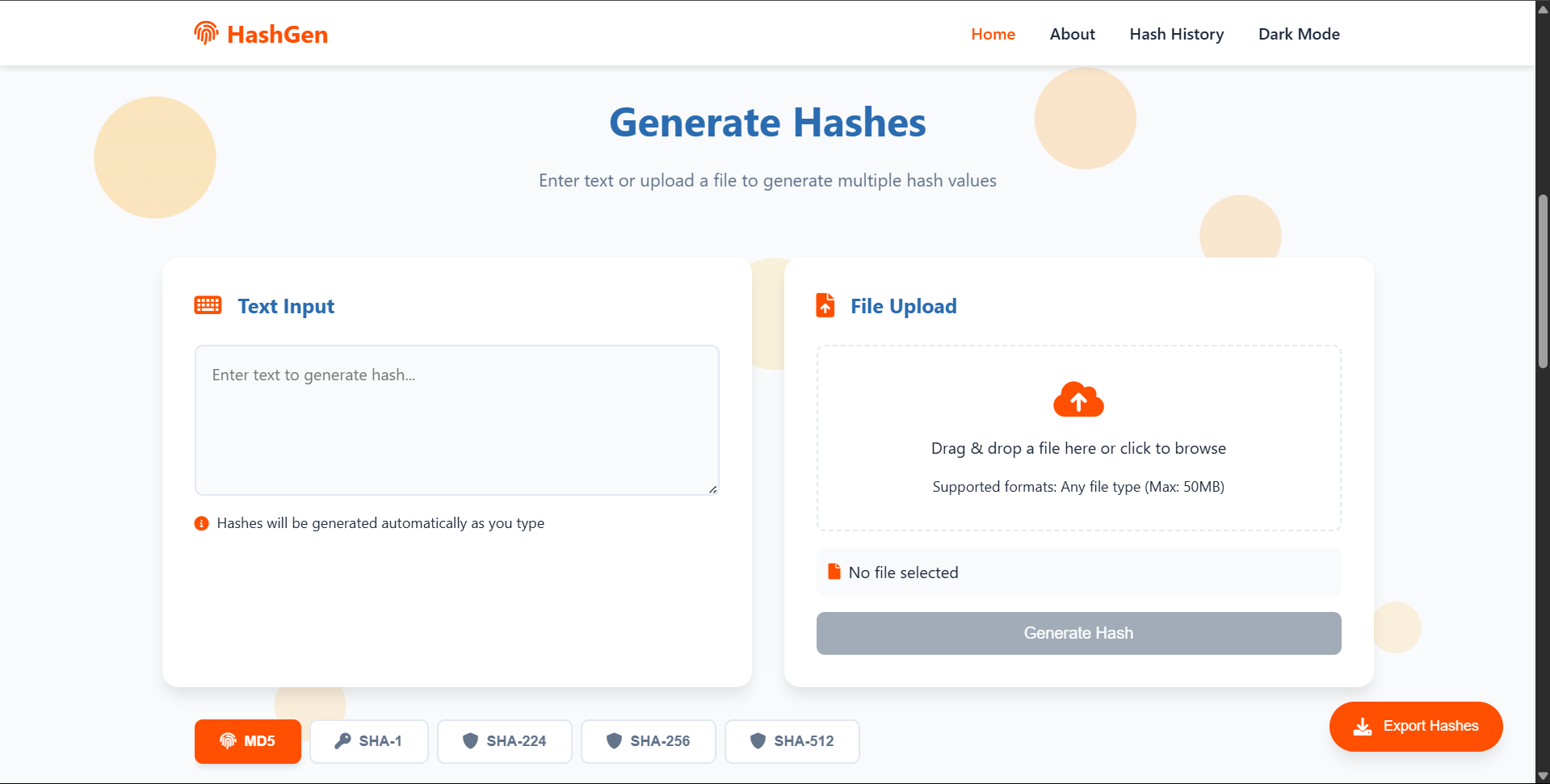
Generate hashes from uploaded files using drag-and-drop or traditional file selection methods.
Real-Time Hash Comparison
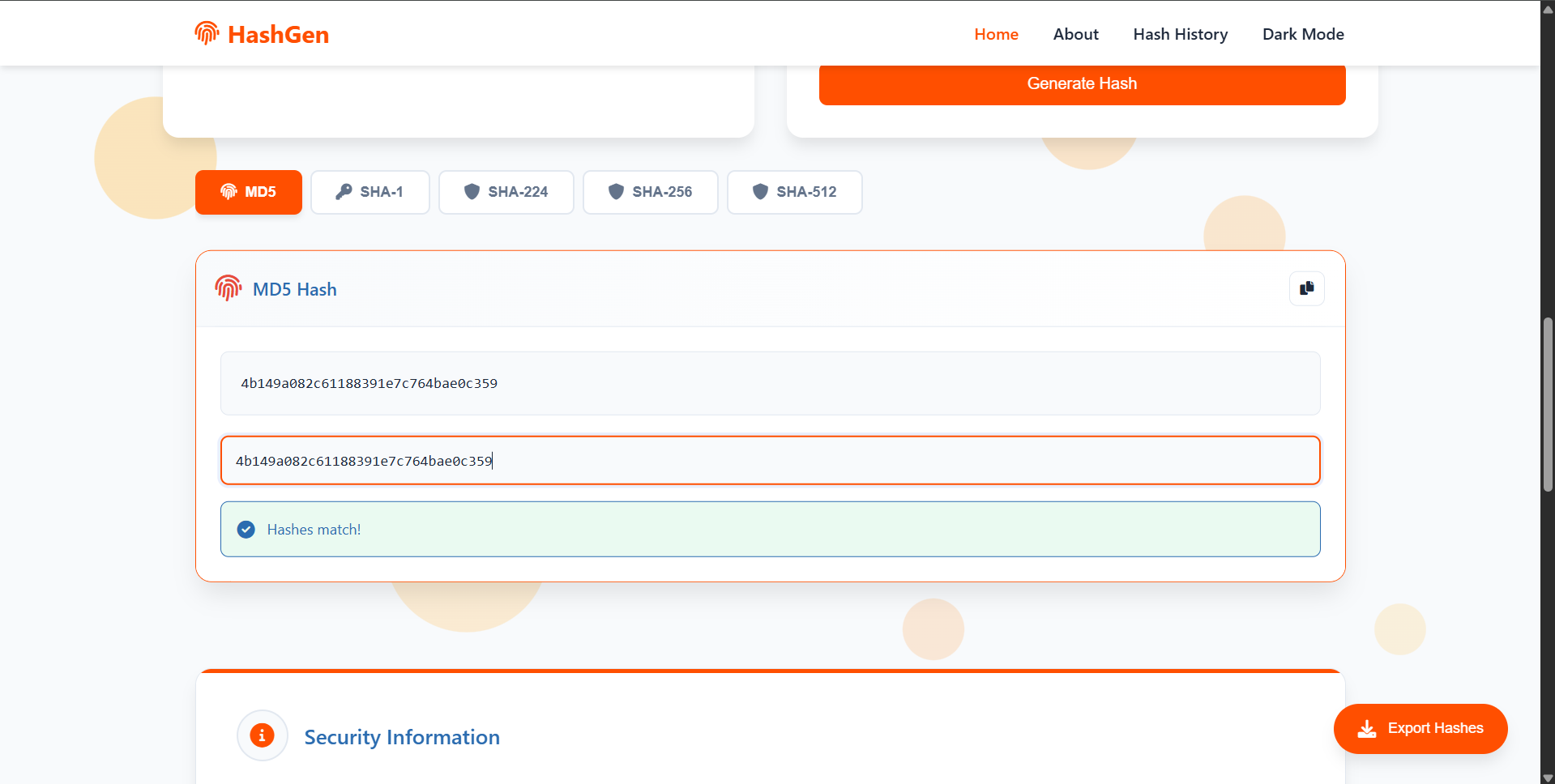
Quickly compare generated hashes against expected values to validate file integrity and detect modifications.
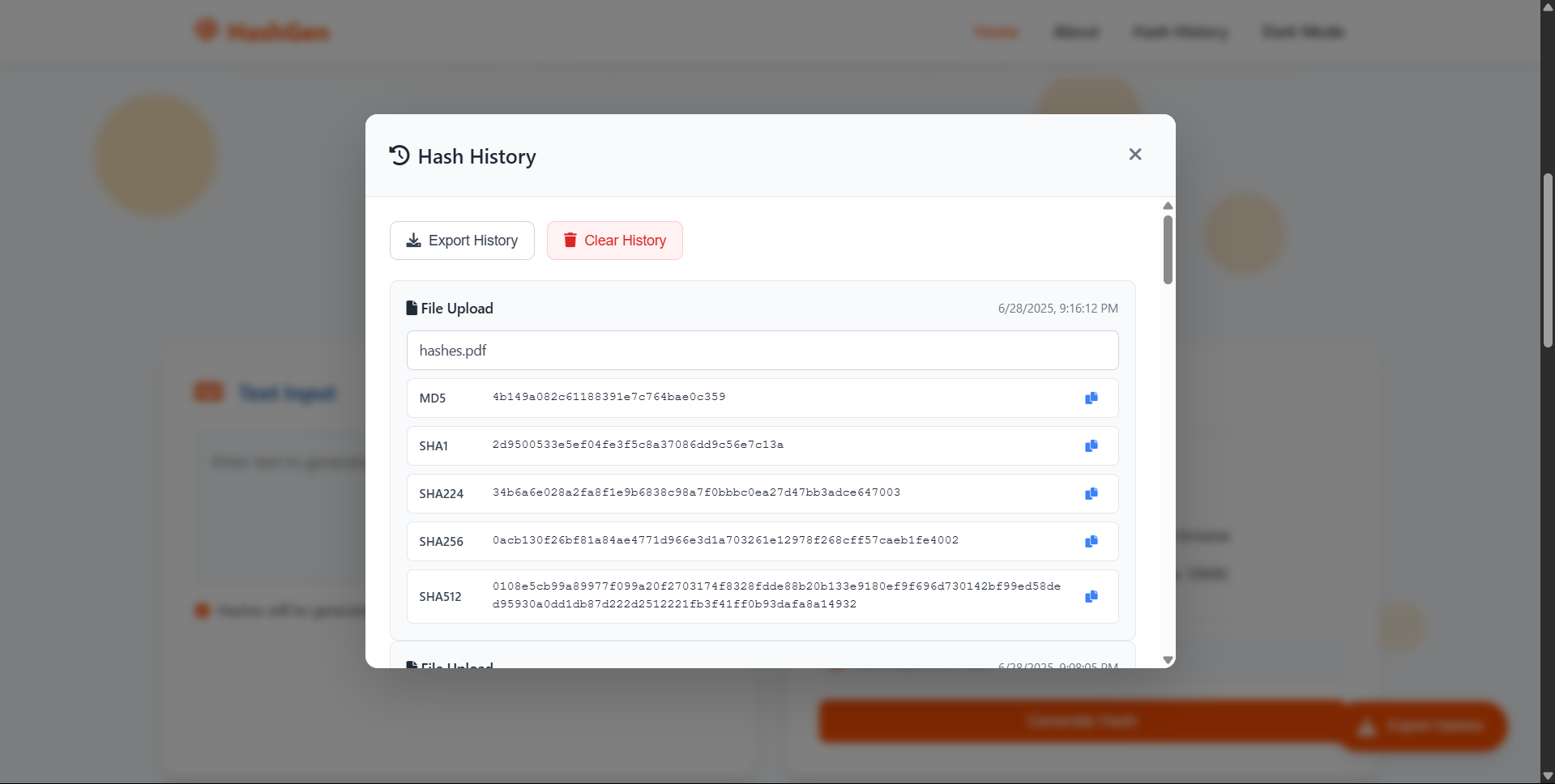
Local History Management
Store generated hashes locally and export records without requiring a backend database.
User Experience Features
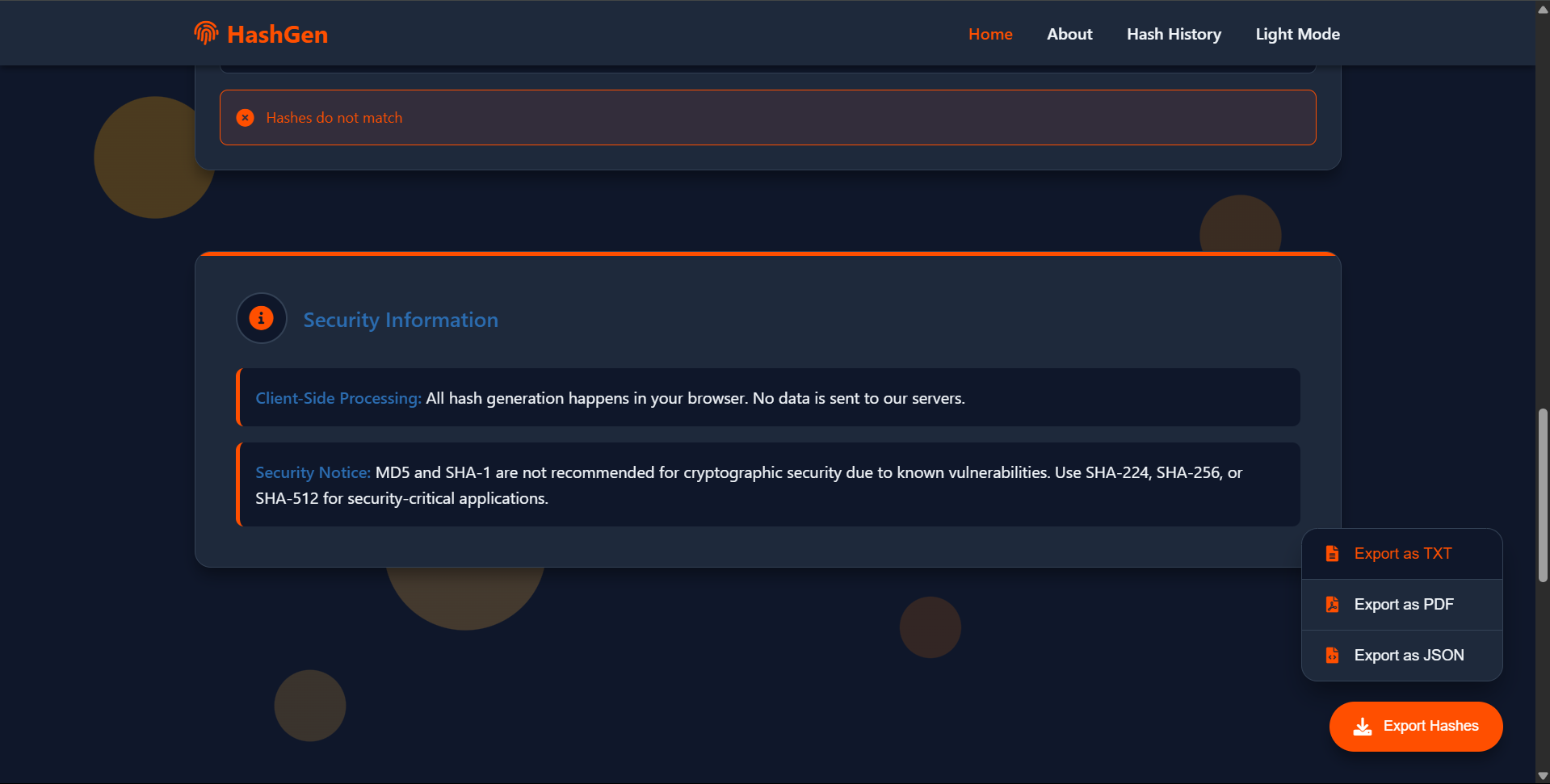
- Dark and Light Theme Support
- Mobile-First Responsive Design
- Drag-and-Drop File Uploading
- Floating Action Button (FAB)
- Export and Clear Functions
- Accessibility-Focused Interface
Technical Highlights
- Client-side cryptographic processing
- Browser-based file hashing
- Multiple cryptographic algorithm support
- Local storage integration using Web Storage APIs
- Responsive UI design for desktop and mobile devices
- Accessibility-focused implementation
- Secure-by-design architecture with no backend dependency
- Modern JavaScript development using ES6+
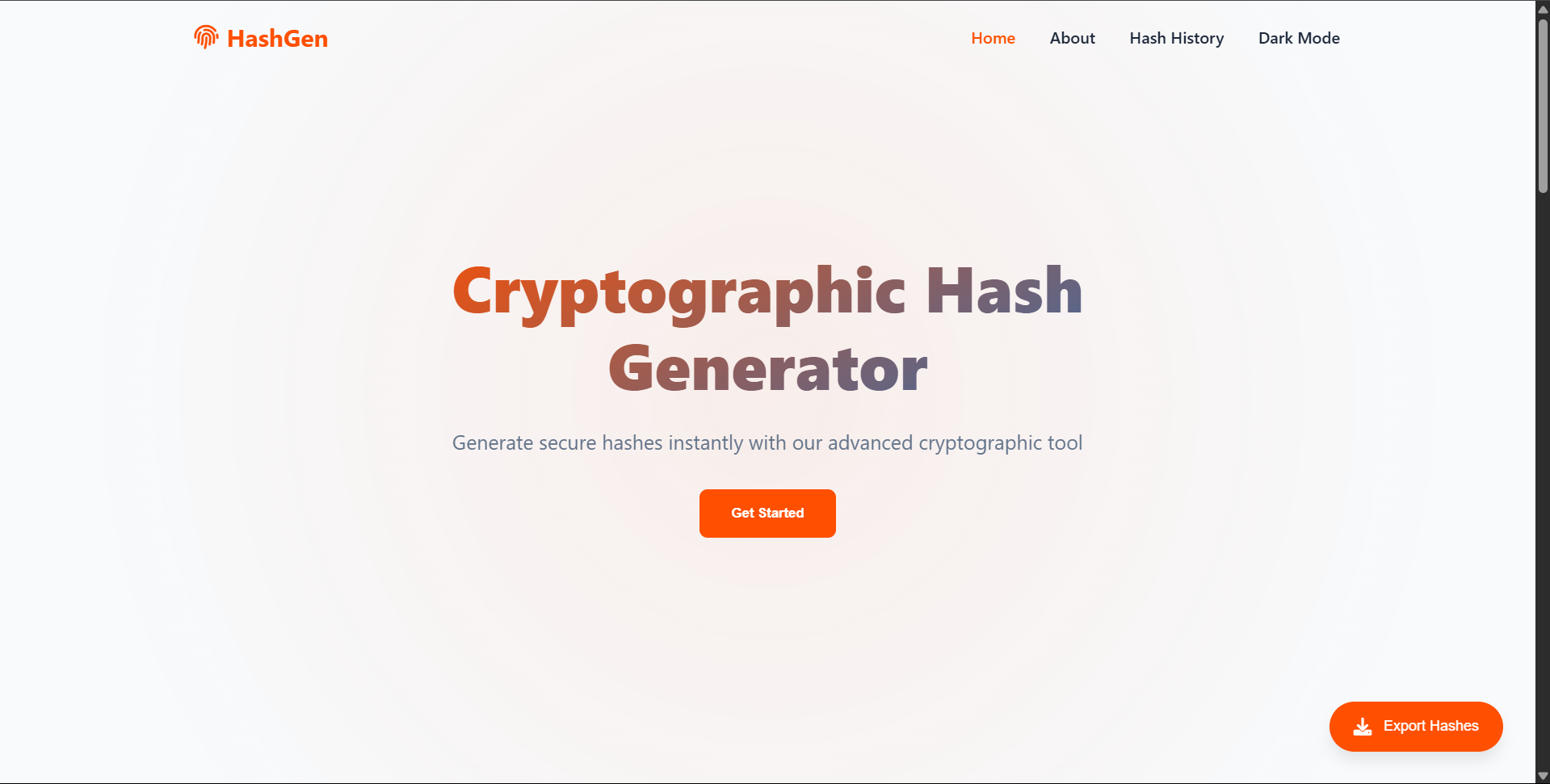
Screenshots
| Main UI | Input Section |
|---|---|
 |  |
| Output Section | History section |
 |  |
| Dark-Mode | Export-Options |
 |  |
Use Cases
- Verifying file integrity before uploads or downloads
- Comparing file versions using hash values
- Security testing and validation workflows
- Learning cryptographic hashing concepts
- Demonstrating cybersecurity principles in educational environments
- Generating hashes for development and testing purposes
Built With
- HTML5, CSS3 (Flexbox, Grid, Variables)
- Vanilla JavaScript (ES6+)
CryptoJS– hashing library- Web APIs:
FileReader,Clipboard,localStorage,TextEncoder
Skills & Knowledge Gained
Through this project, I gained practical experience in:
- Cryptographic hashing algorithms
- Frontend security tool development
- Browser security concepts
- JavaScript application architecture
- File processing using Browser APIs
- Local data persistence with localStorage
- Responsive UI/UX design
- Accessibility-focused development practices
Security Considerations
All hashing operations are performed locally within the browser, ensuring that user data remains private and never leaves the device.
MD5 and SHA-1 are included for compatibility and educational purposes only. These algorithms are considered cryptographically weak for modern security applications. For stronger security guarantees, SHA-256, SHA-512, SHA-3, and BLAKE2 are recommended.
Live Demo
🌐 Try the application online:
https://zer0arc4.github.io/Cryptographic-Hash-Generator/
License
This project is licensed under the MIT License and is free to use, modify, and distribute.

Related Posts
Keystroke Logging System
A cybersecurity research project exploring keyboard event monitoring, HTTP communication, and centralized logging using …
Future Security Tools
A collection of planned security tools including recon automation, payload generators, and lab utilities.
Student Database System
Database application for managing student records with search, filter, and export capabilities.